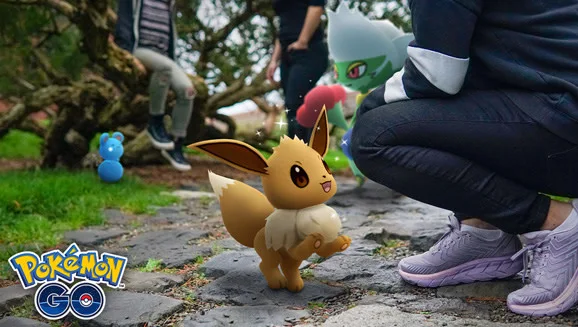
Match the subject to the task
Read the exact wording before opening the camera. A photo of a Pokémon in your collection may not satisfy a task asking for a wild encounter. If it specifies your Buddy, start from the Buddy page. Treat the subject and encounter type as two separate requirements, especially when several photo tasks are active.
Open the right camera
For a caught Pokémon, open its summary and tap the camera icon. For your Buddy, open the Buddy page and choose Play. Use the in-game photography controls for an encounter photo. A phone screenshot merely records the display; it is not the same action as pressing the game’s Snapshot shutter.
Place the Pokémon and take the photo
For AR, choose a well-lit space, slowly scan a clear surface and place the Pokémon when the game detects it. Press the shutter, exit the session and return to the task screen. Check for progress before taking dozens more photos. If you want to keep the picture, review the app’s photo-saving permissions.
If the task did not advance
First check the task’s species, type and wild-versus-caught requirement. Then try a fresh session with the correct subject. For personal photos, frame the scene without people’s faces or private information in the background. An unsupported AR device can still use the static photo background described in the official guide; this is separate from whether a particular task accepts the chosen subject.
Sources & further reading
Game details can change. Check the linked official sources and the current in-game information. Reviewed: Oct 4, 2026.