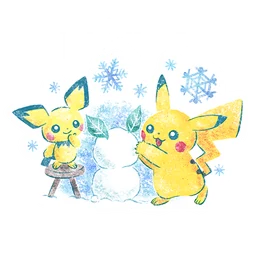
Prepare the Gift first
Open the friend you want to send a Gift to and select a Gift. Before sending, use the sticker option to choose a design you own. Check the preview and the recipient. A sticker is part of that outgoing Gift, so decide before completing the send action rather than looking for an edit afterward.
Understand the item use
Each sticker is single-use when sent. Some come from Gifts and some are Shop items. If a design matters to your collection, check how many copies you have before using the last one. You can make a personal rule to save one favourite design without trying to preserve every sticker you ever receive.
Read research wording carefully
If a task asks for Gifts with stickers, simply sending a plain Gift does not fulfil that wording. Review the task, attach the sticker and check progress after sending. Avoid buying a sticker pack automatically: first inspect your existing collection for a suitable design. The task’s action matters more than choosing an expensive illustration.
Do not use stickers as Bag cleanup
Stickers do not count toward ordinary Item Bag capacity, so sending several will not solve a full Bag warning. Review the actual item count instead. For child accounts, sticker gifting also depends on social-feature permissions. If the control is missing, check the account’s permitted features before assuming the sticker inventory was lost.
Sources & further reading
Game details can change. Check the linked official sources and the current in-game information. Reviewed: Oct 4, 2026.