Pin before the Gift disappears
When viewing a received Gift, use the pin control before opening it. For one of your own Gifts, save the Postcard before sending it. This order matters because the official guide says you cannot save that Postcard after the Gift has been opened or sent. Check the pin state before finishing the Gift action.
Find saved Postcards
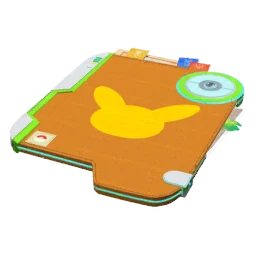
Open the Postcard Book from your Trainer profile or Item Bag. Select a card to view its image and details. Use the sorting options to organise what you have kept. For a travel collection, choose places with personal meaning rather than automatically saving every duplicate landmark until the book fills.
Make room deliberately
Open a Postcard’s menu to remove it, or use the book’s multi-selection tools for a group. Review the chosen cards before confirming because removal cannot be undone. Postcard storage is separate from normal item capacity; deleting a ball from your Item Bag does not necessarily solve a Postcard Book warning.
Check sharing preferences
The game lets you control whether your Trainer nickname appears in friends’ Postcard Books. Review that preference in General settings if it matters to you. Also remember that a Postcard describes a real location. Choose which Gifts you share thoughtfully, especially if you prefer not to highlight a location tied closely to your daily routine.
Sources & further reading
Game details can change. Check the linked official sources and the current in-game information. Reviewed: Oct 4, 2026.