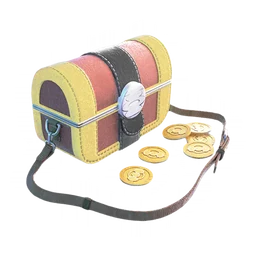
Set up the Postcard connection
Connect Pokémon GO with Pokémon Scarlet or Violet on Nintendo Switch using the games’ pairing flow. Send a saved Postcard to enable the Coin Bag. The official introduction describes one Postcard send per day. This is a different connection from sending Pokémon to Pokémon HOME, so follow the Scarlet or Violet instructions for this feature.
Prepare before opening the bag
Make room for catches and check your ball supply before starting the Coin Bag. Choose a session when you can interact with the encounters. A sent Postcard stays in your book, but the same card cannot be sent again. Keep track of unused cards instead of assuming you must delete your collection after every send.
Collect the right kind of coins
Gimmighoul Coins can come from catching Roaming Form Gimmighoul, walking with it as your Buddy and Golden PokéStops. Sending multiple Postcards can earn Golden Lures. These coins are separate from PokéCoins and ordinary Candy. Look at the named resource on the evolution screen rather than comparing it with your Shop balance.
Choose the Gimmighoul before evolving
Once you have 999 Gimmighoul Coins, review the candidates you have caught and select the one you want to evolve. Favourite it and inspect the final confirmation. Treat the collection as a gradual project: there is no need to assume a fixed number of coins per encounter or promise yourself a completion date that depends on random rewards.
Sources & further reading
Game details can change. Check the linked official sources and the current in-game information. Reviewed: Oct 4, 2026.