Find an eligible raid
Open a raid from Nearby, a visible Gym or an invitation from a friend. Check its boss, remaining time and remote eligibility. Do not purchase a pass solely because a Gym is visible: the battle itself must support the entry method you intend to use. Read the join prompt before confirming.
Check the pass and team
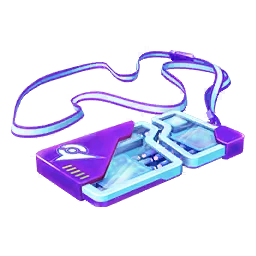
When outside interaction range, the eligible raid uses a Remote Raid Pass. Prepare your attackers and confirm that your group is ready. A pass grants participation, not a guarantee of defeating or catching the boss. If you are unsure the group can manage it, discuss that before the battle starts rather than after everyone has committed.
Understand limits without relying on old numbers
The official remote-battle page describes daily participation and remote-lobby restrictions, which can change during events. Check the current limit shown by the game and current announcement. A full remote allocation can prevent joining even if the overall lobby looks as though it has room. Another invitation does not automatically override that restriction.
Handle a failed join methodically
Check whether the lobby already started, the invitation expired, the remote slots filled or your daily allowance was reached. Note the actual message rather than repeatedly buying passes. For a connection problem, return to the active invitation where the game allows it. Contact official support with the details if a pass issue persists.
Sources & further reading
Game details can change. Check the linked official sources and the current in-game information. Reviewed: Oct 4, 2026.