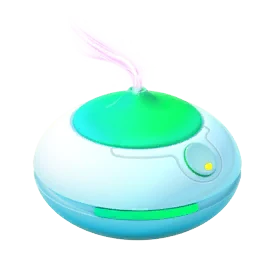
Prepare before activating
Clear enough Pokémon storage, check your Poké Balls and choose a walk you can comfortably finish. Then open Items and activate Incense. Preparing first keeps more of the timer available for encounters. A full collection or empty ball supply can turn a useful item into a countdown spent managing menus.
Walk and interact with encounters
Regular Incense works better while you move in the real world. Follow an accessible route and stop safely when you need to look at the screen. It affects your own encounters; it does not install a shared effect at a nearby PokéStop. Friends walking with you still manage their own Incense.
Read the timer and event details
The standard duration is commonly an hour, but bonuses can change it. Use the displayed timer and current event description for the session you are playing. A changed Incense colour can indicate special event encounters. Do not assume an old event’s duration or featured Pokémon still applies because your inventory icon looks familiar.
If few Pokémon appear
Check whether you are moving, whether the map location is stable and whether another encounter or menu is holding your attention. Separate a low encounter rate from a connection failure. Do not immediately activate more items to troubleshoot. First confirm that the initial Incense is running and you have the supplies and conditions to use it.
Sources & further reading
Game details can change. Check the linked official sources and the current in-game information. Reviewed: Oct 4, 2026.